Feature #11: Color in red
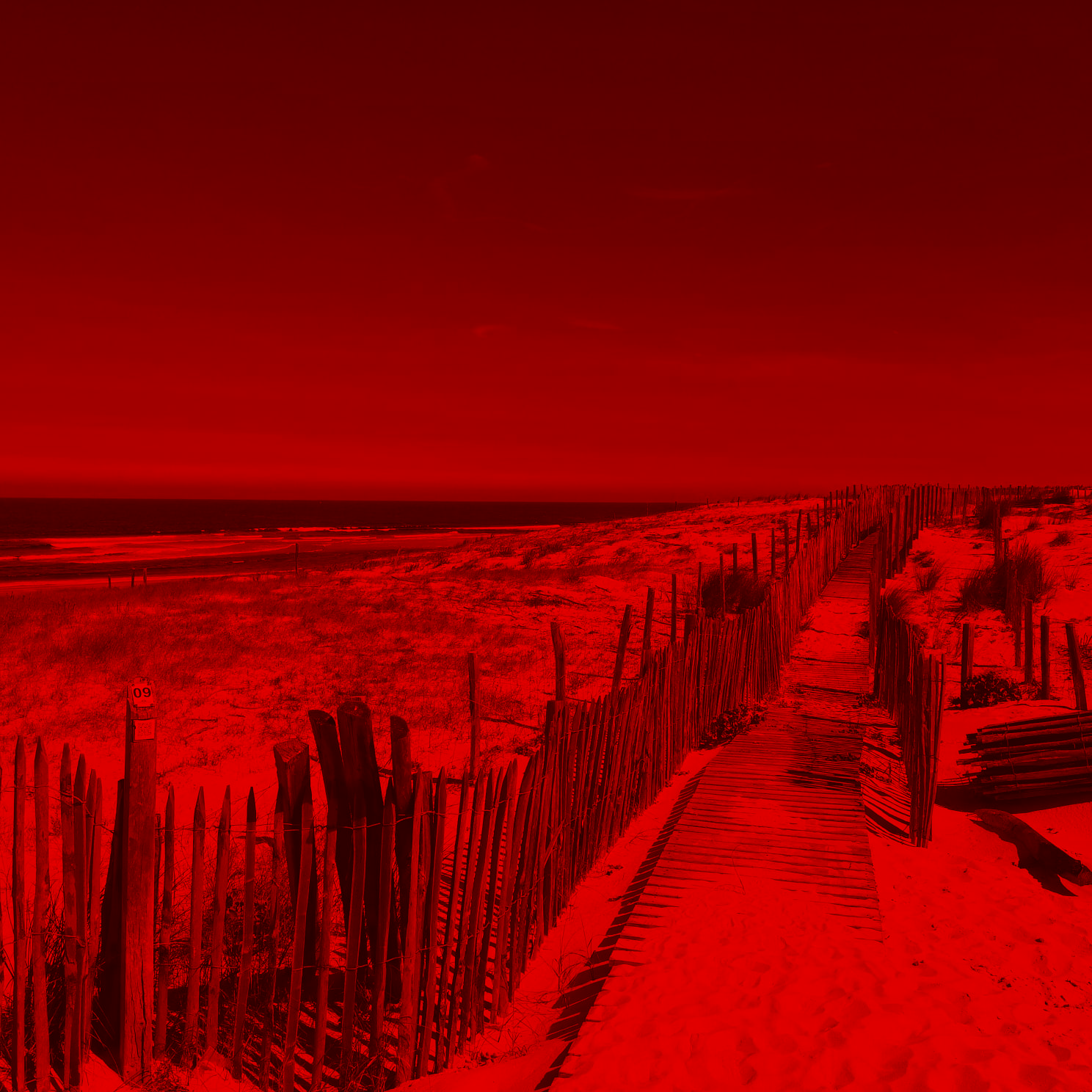
Transform the image to keep only the red component.
Feature description
Transform the image to keep only the red component.
| Parameters | value |
|---|---|
| name | color_red |
| Command | -c color_red |
| Input | an image |
| output | a new image image_out.bmp that keeps only the red component of the input image |
Usage
./freud.exe -f images/input/image.jpeg -c color_redOutput
A new image image_out.bmp that keeps only the red component of the input image
Describe tips for implementing feature
Use write_image_data from <estia-image.h> to create new image with the new values.
/**
 * Writes into an image file
 * @param[in] filename Name of the file to be written into
 * @param[in] data Reference to the pixel array to be written
 * @param[in] width Width of the image
 * @param[in] height Height of the image
 * @return 0 on failure and non-0 on success.
 */
int write_image_data(const char *filename, unsigned char *data, int width, int height);
Additional information
Example:
| Input | Output |
|---|---|
 |
 |